 Chats · Image
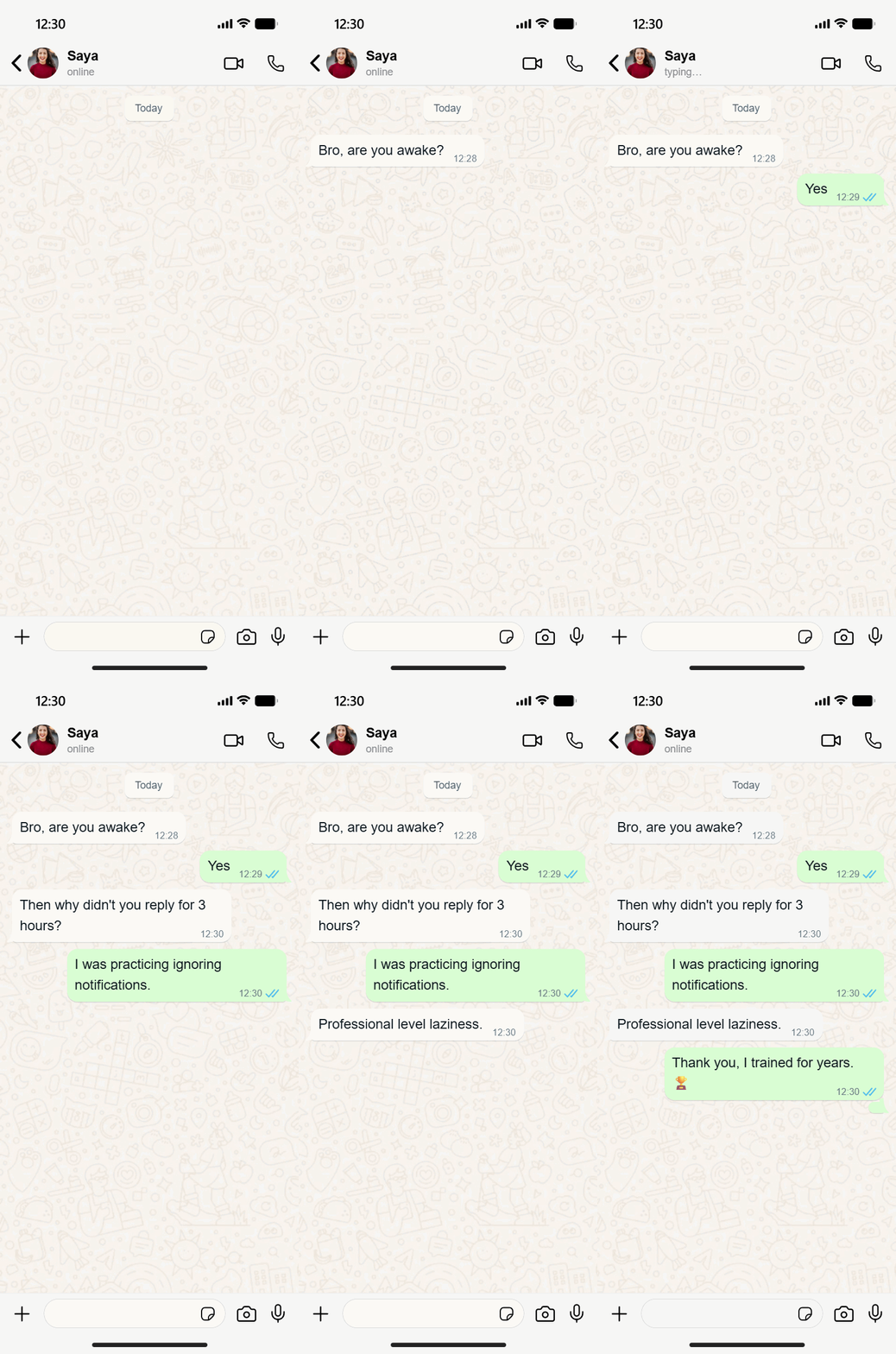
Animated WhatsApp conversation
A one-on-one chat with a custom contact photo, online status and the classic doodle wallpaper.
Make this with WhatsApp Chat GeneratorChat screenshots, animated stories, social posts and prank screens created with our free generators. Find one you like and make your own version in a minute.
Chats · ImageA one-on-one chat with a custom contact photo, online status and the classic doodle wallpaper.
Make this with WhatsApp Chat Generator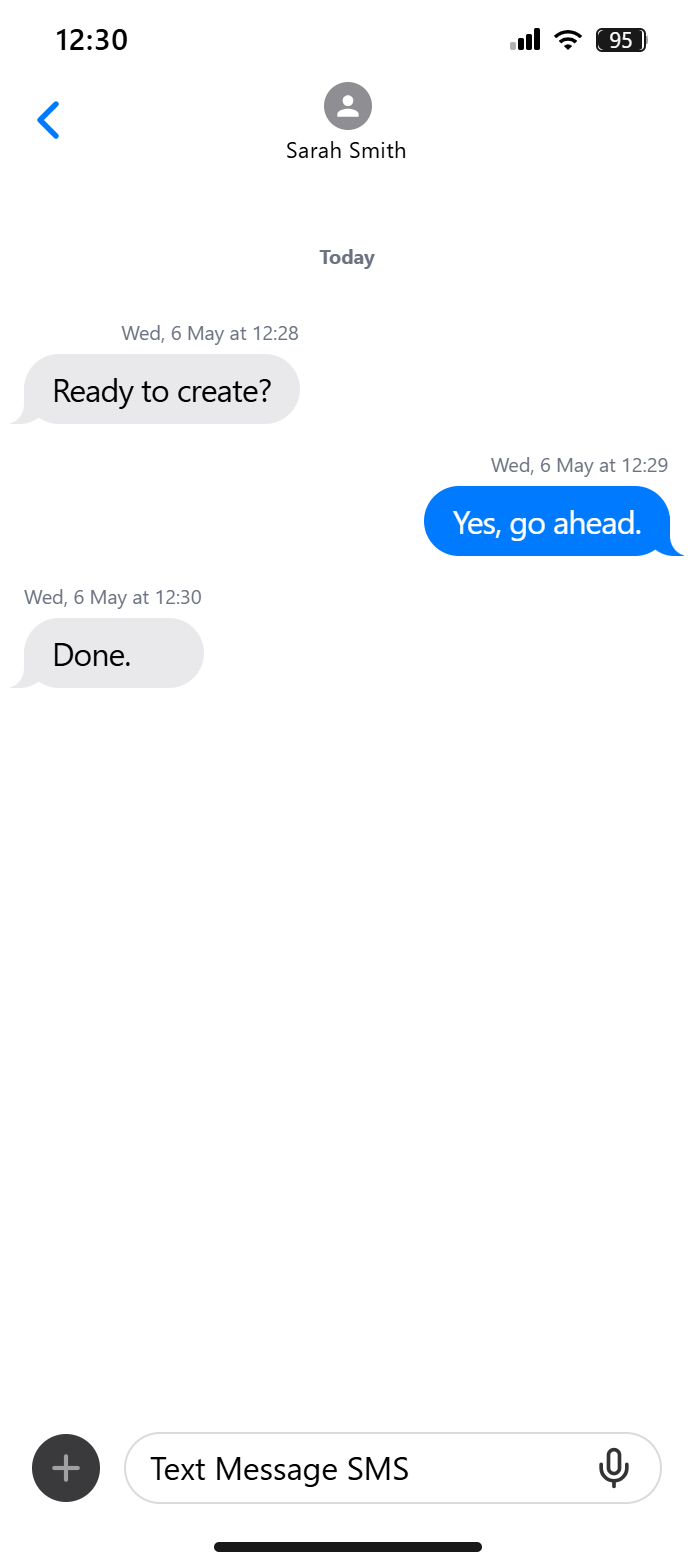 Chats · Video
Messages appearing one by one, ready for a TikTok or Reels story.
Make this with iMessage GeneratorA full-screen call with a custom name and profile photo.
Make this with WhatsApp Video Call Generator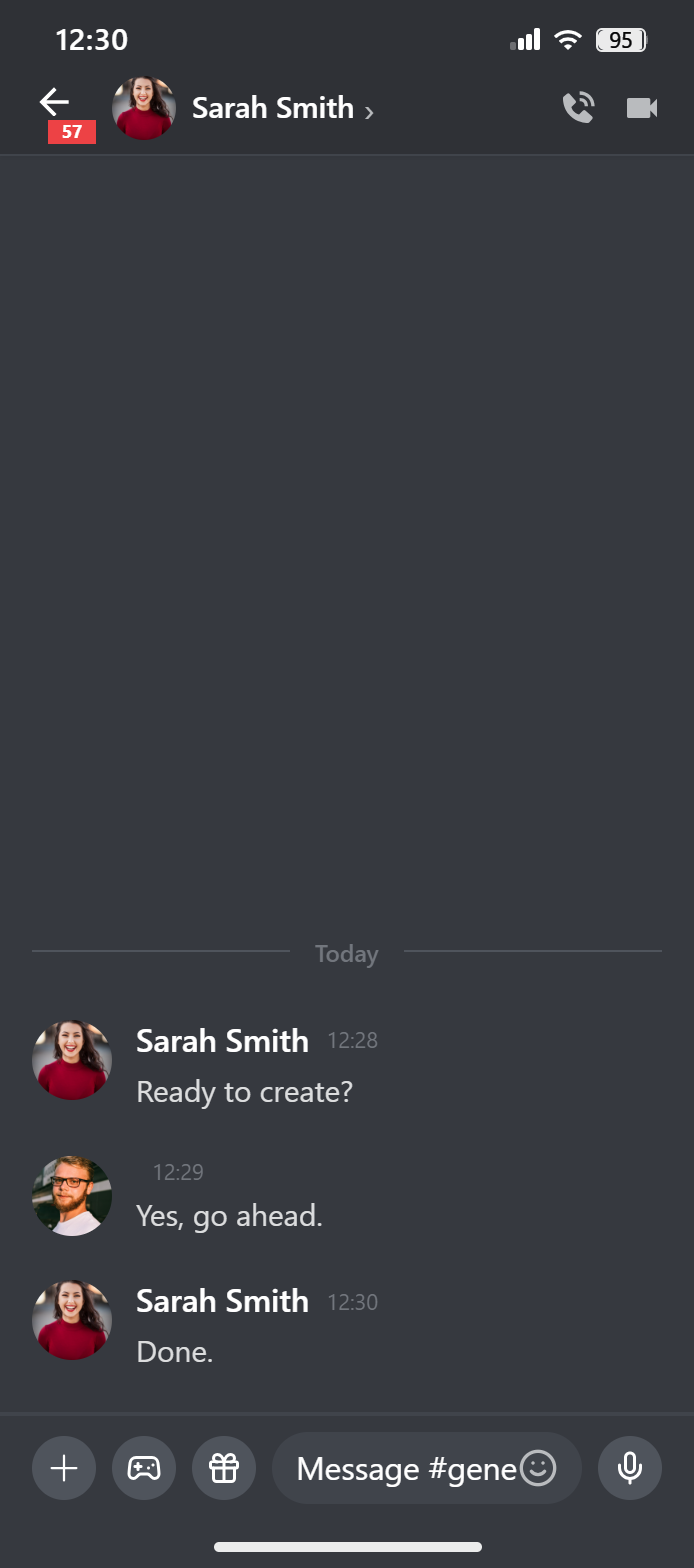 Chats · Image
Roles, avatars and timestamps for a gaming community mockup.
Make this with Discord Chat Generator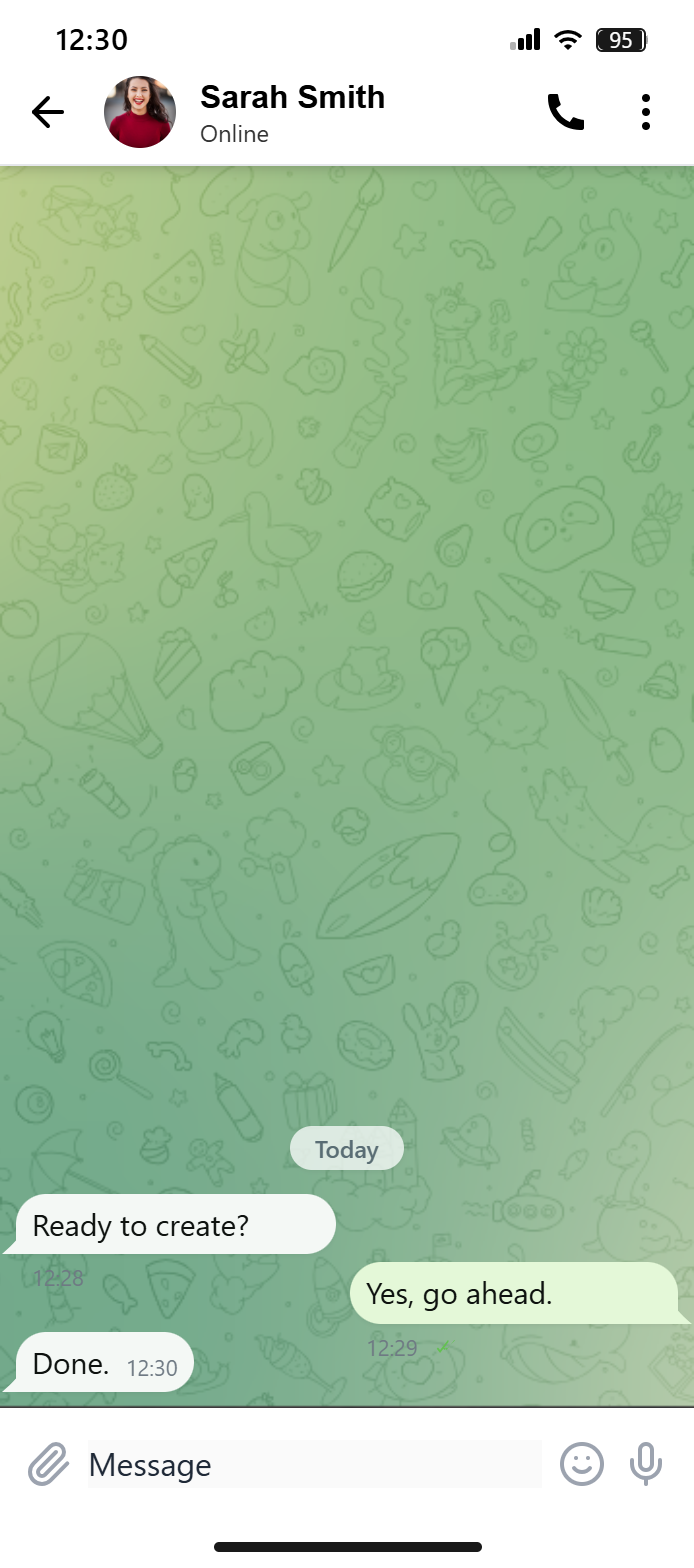 Chats · Image
A product launch message with a pinned post and view counts.
Make this with Telegram Chat Generator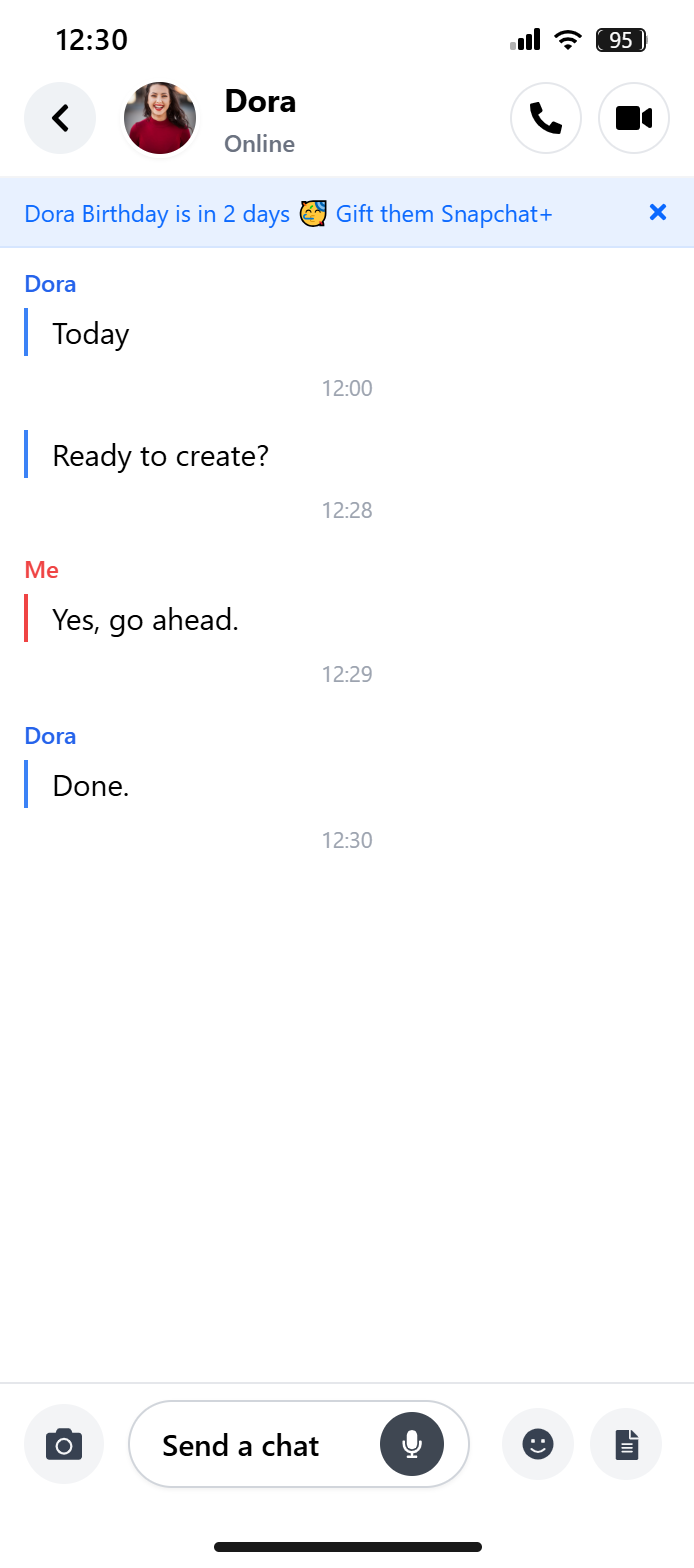 Chats · Image
A short back-and-forth with Snapchat's colour-coded names and chat bubbles.
Make this with Snapchat Chat Generator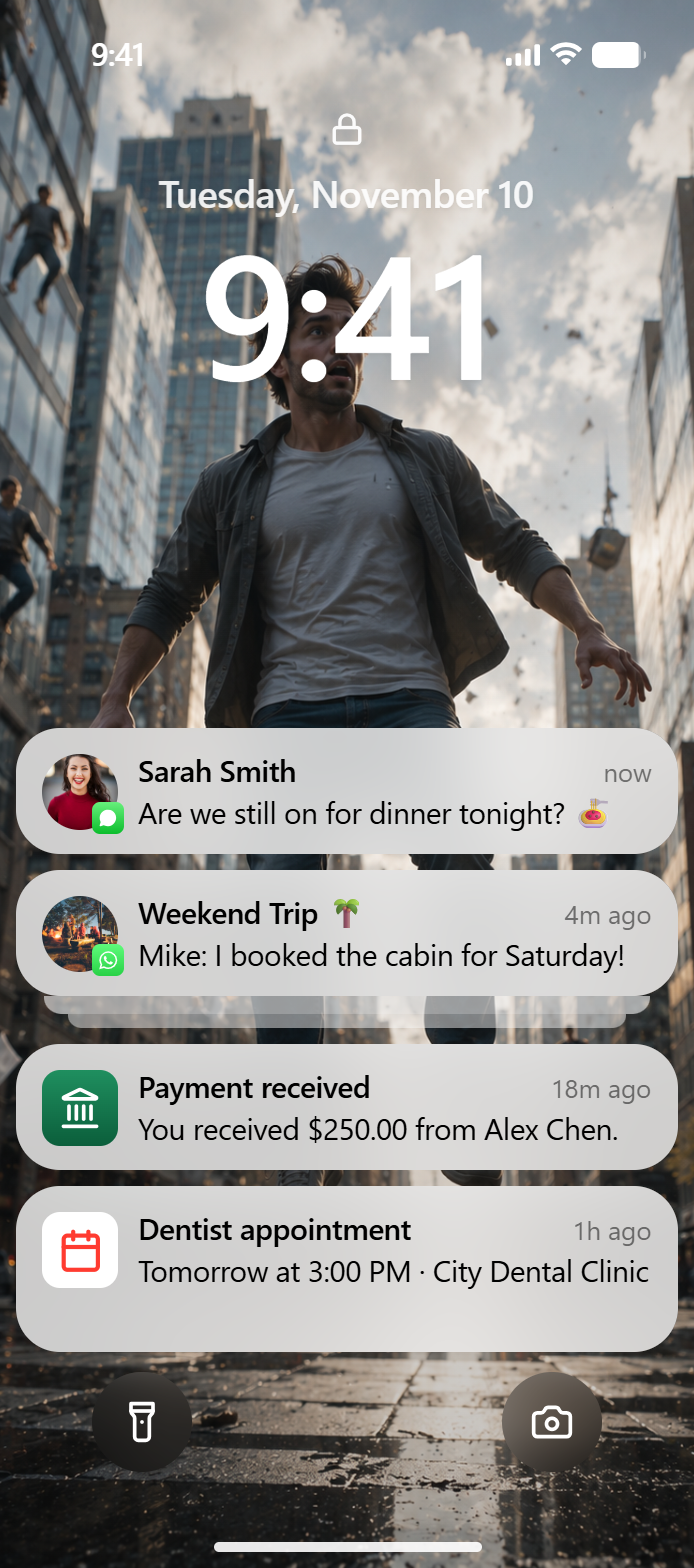 Chats · Image
Several app alerts arriving at once, for an app onboarding slide.
Make this with Notification Generator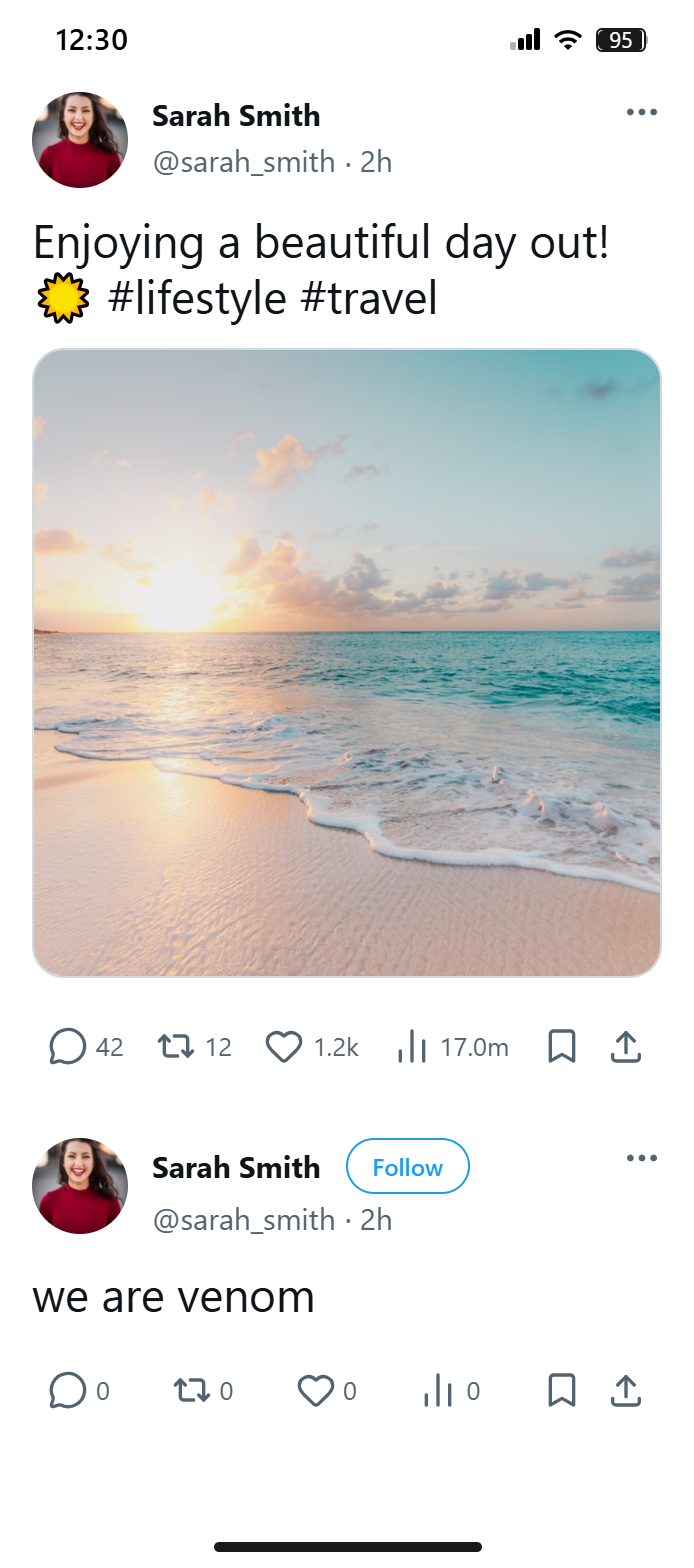 Social · Image
A verified post with likes, reposts and a custom date.
Make this with Fake Tweet GeneratorA story with stickers and text, sized for a phone screen.
Make this with Instagram Story Generator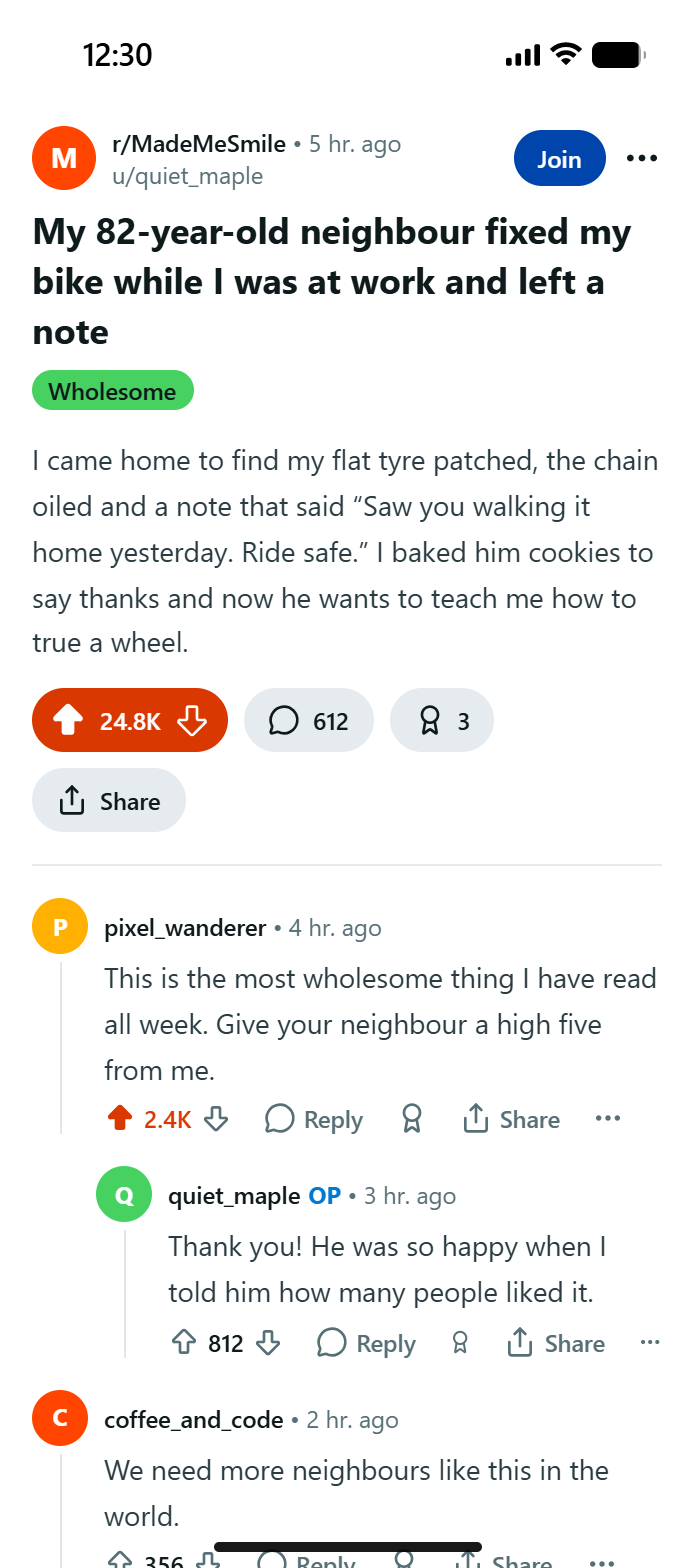 Social · Image
Upvotes, awards and a thread, for a storytelling video.
Make this with Reddit Post Generator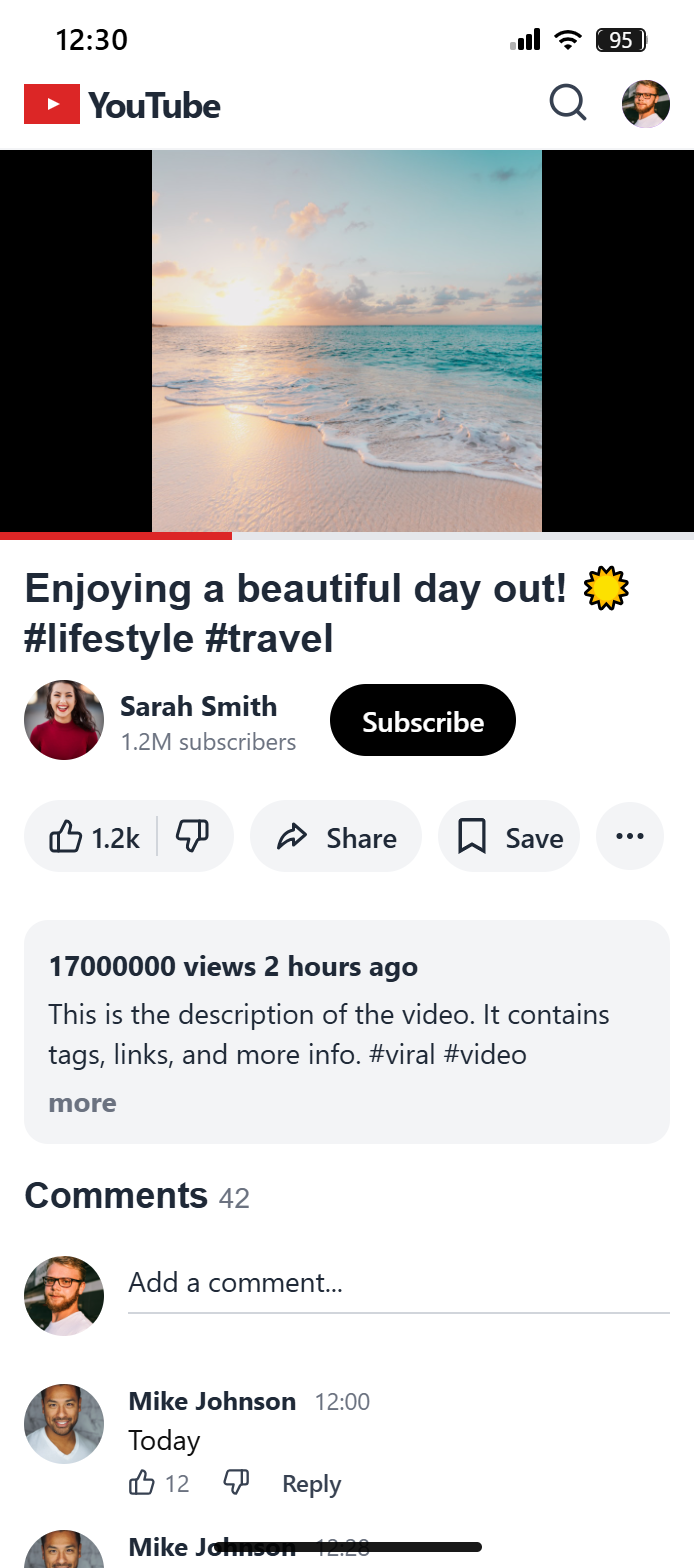 Social · Image
A pinned comment with a reply thread, for a reaction video.
Make this with YouTube Comment Generator Social · Image
A Tinder card with photos, bio and interests for a comedy short.
Make this with Tinder Profile Generator Screens · Video
A full-screen update that never finishes.
Make this with Fake Windows Update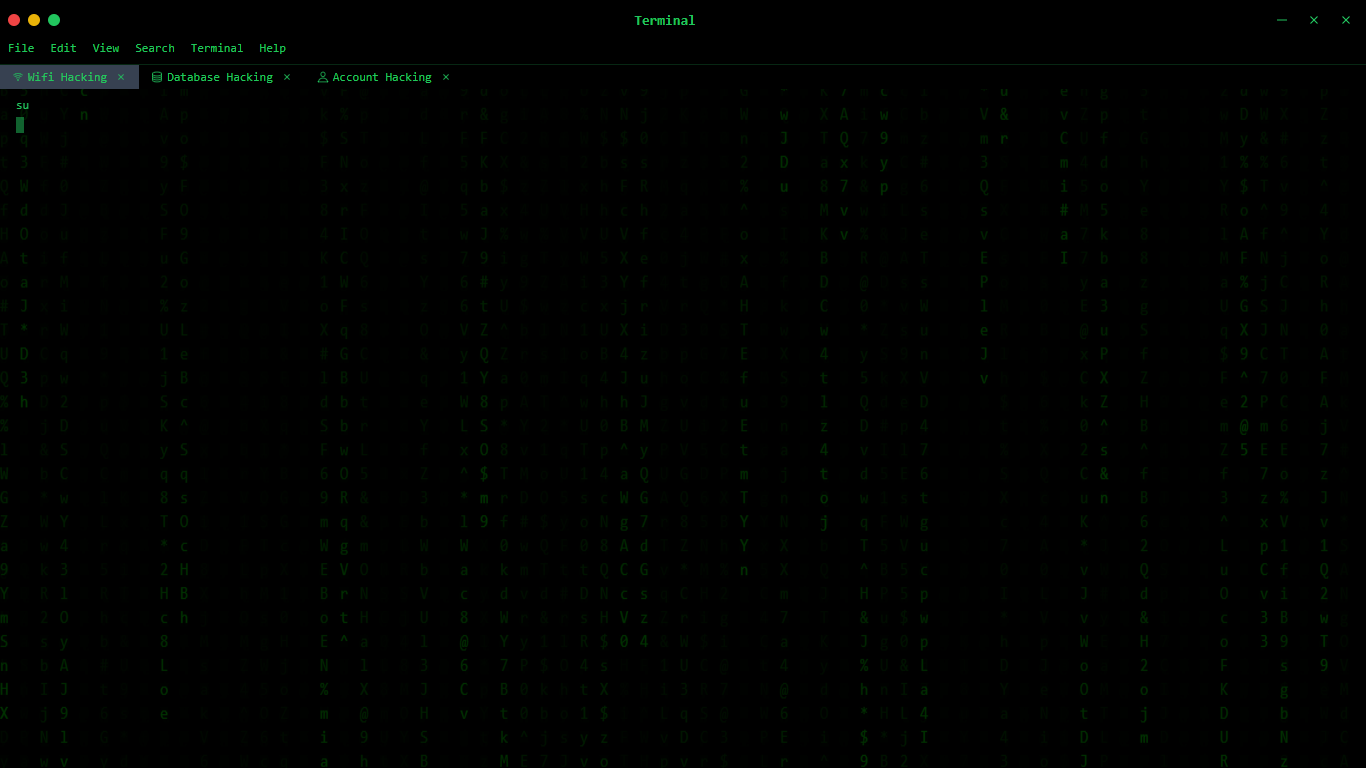 Screens · Video
Scrolling green code for a movie-style hacking scene.
Make this with Fake Hacking Screen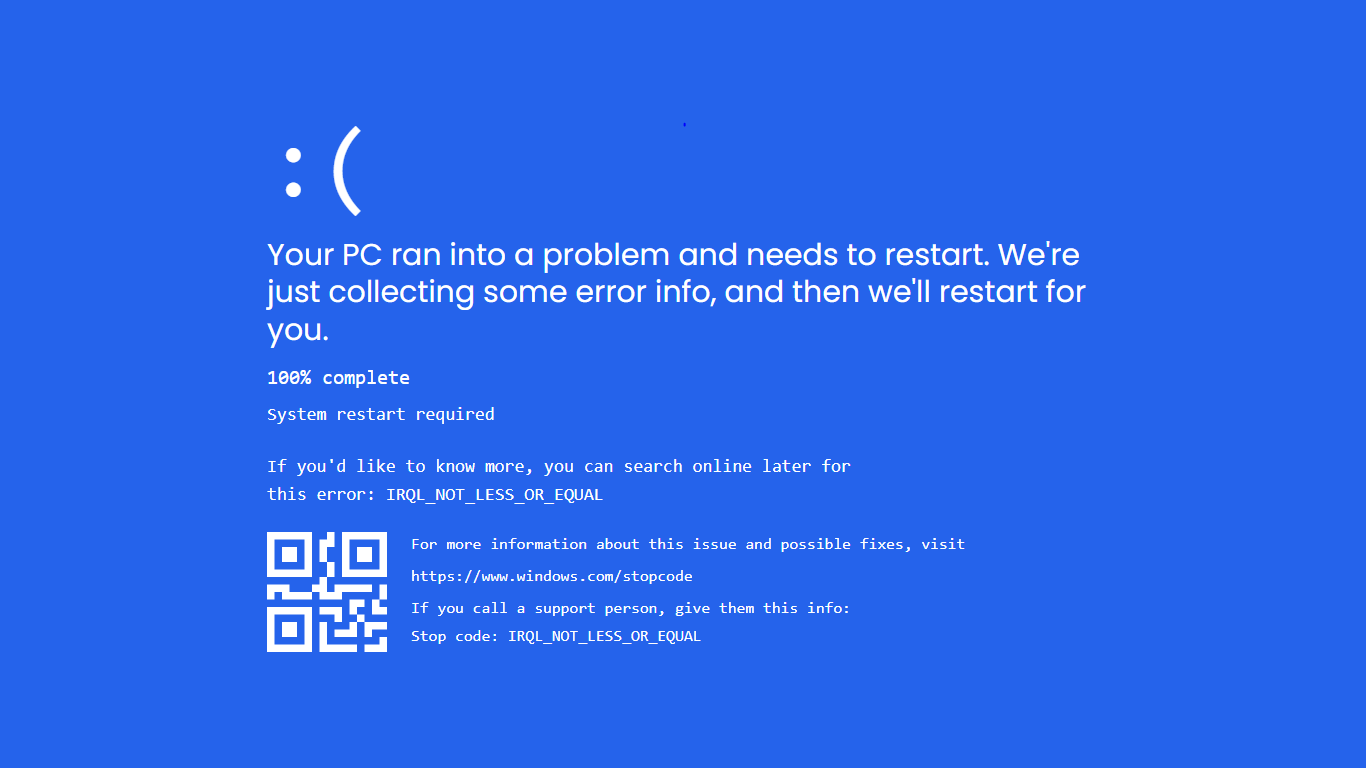 Screens · Image
A classic Windows crash screen with a stop code and progress counter.
Make this with Fake Blue Screen of Death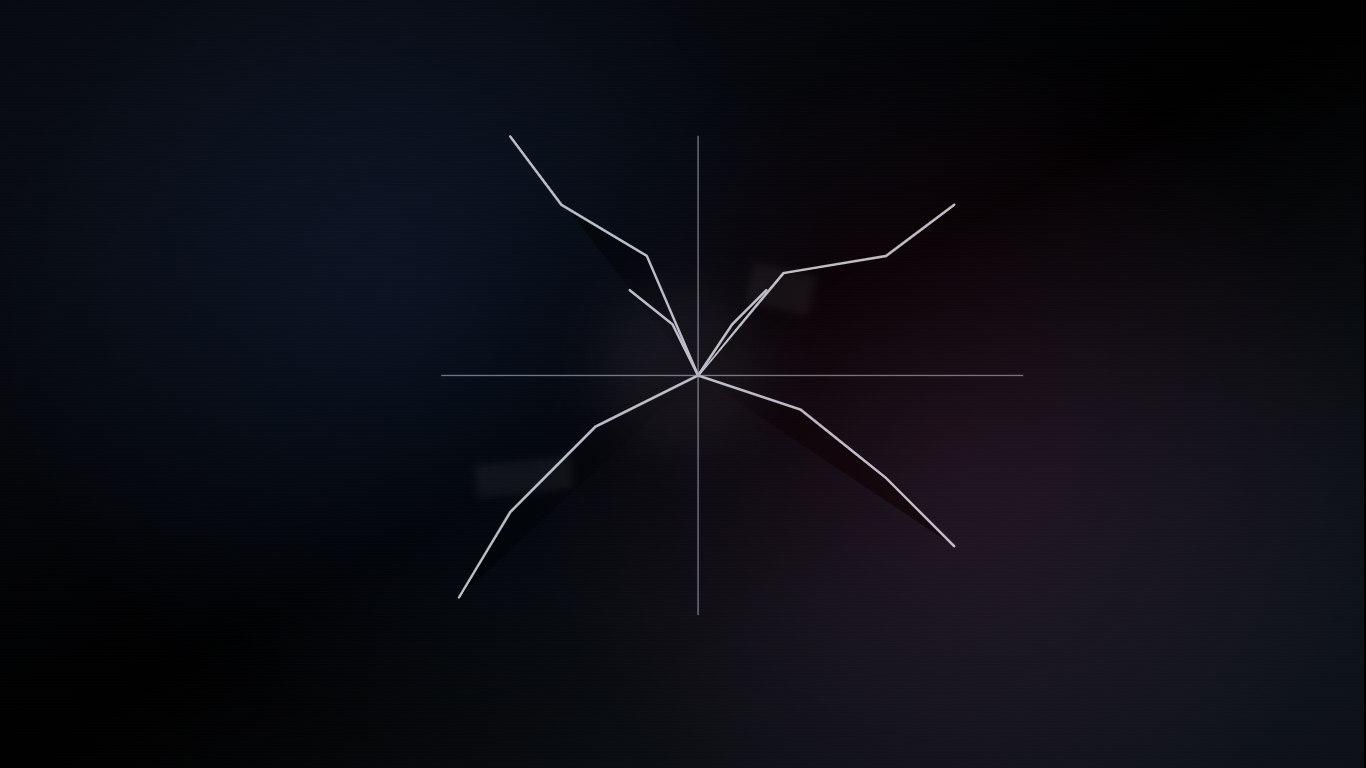 Screens · Image
Spiderweb cracks, ink bleed and dead pixels on a laptop display.
Make this with Fake Broken Screen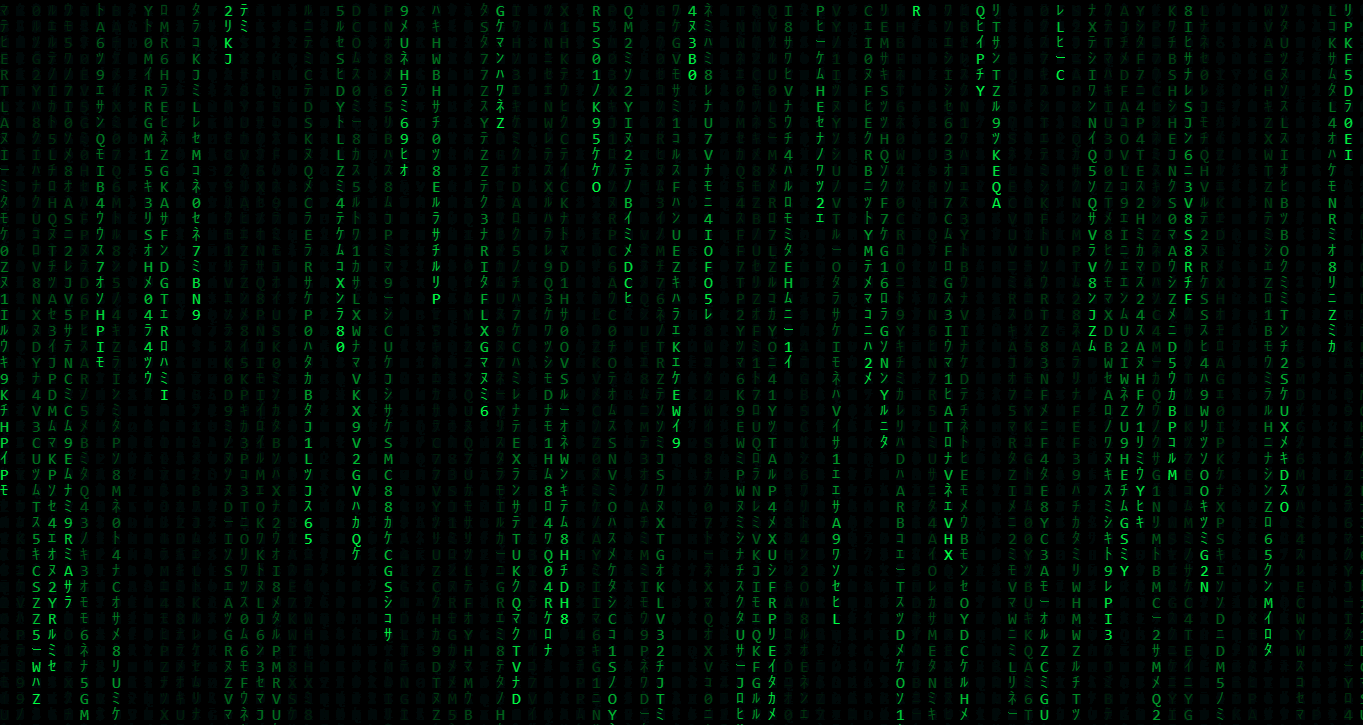 Screens · Video
Falling green characters for a background loop or screensaver.
Make this with Matrix Screen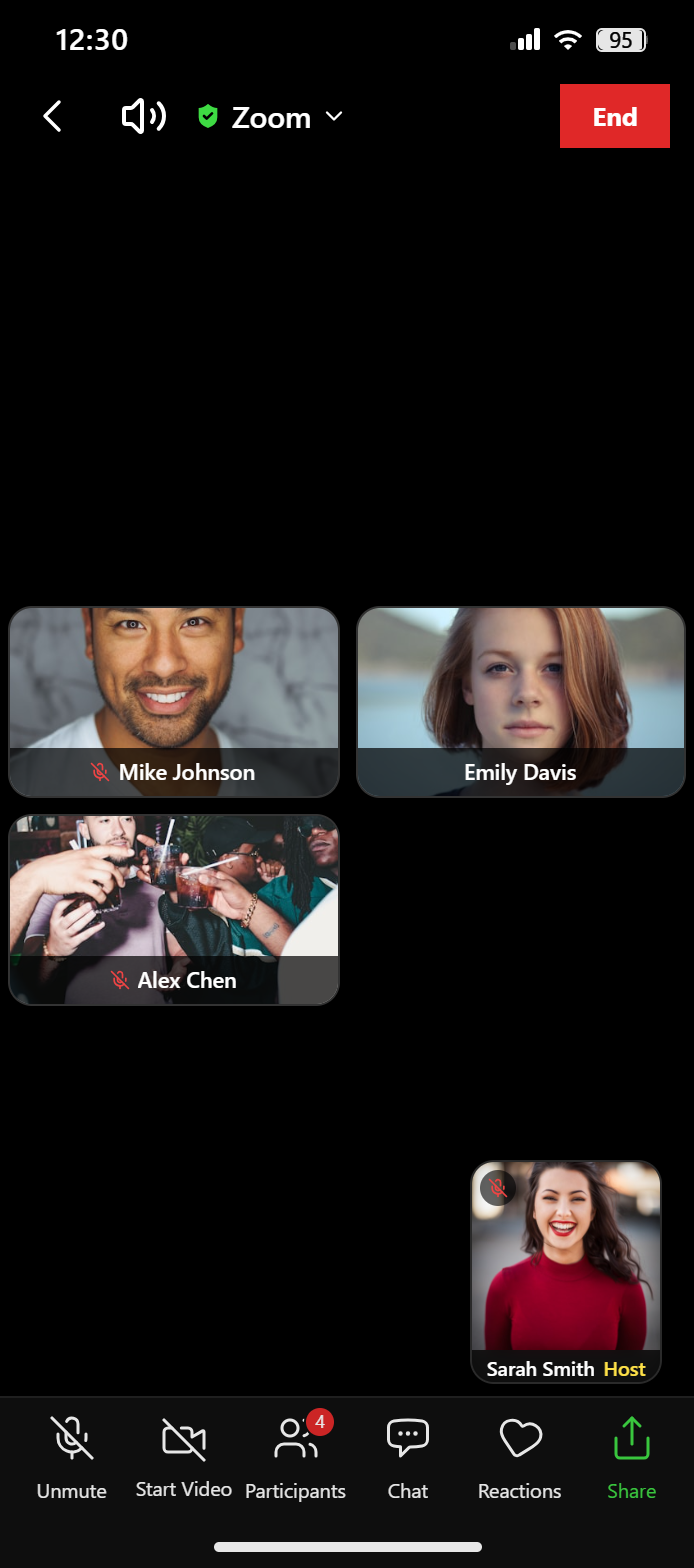 Screens · Image
A video call with several participants for a remote-work skit.
Make this with Fake Zoom MeetingFilter the gallery by chats, social posts or screens and find the look you want.
Each card links straight to the generator that made it. No account or download needed.
Change names, photos, messages and timestamps, then export a PNG or record the screen.
People use Pradoy mockups for very different jobs. Here's where to start for each.
Text-story videos, reaction clips, skits and thumbnails built from chats and posts.
Pitch decks, landing pages and ad concepts that show a product in a realistic feed.
Lessons on online safety, misinformation and digital literacy using fictional examples.
Placeholder screens and sample data for demos, fixtures and UI testing.
Space messages a few minutes apart and match the status-bar time to the last message.
A post with 1,284 likes reads as more real than one with an even 1,000 or a million.
Use portrait exports for phone stories and landscape for slides, videos and desktop screens.
Use invented names and your own or stock photos instead of real people's identities.
No. Every example is fictional and was made with Pradoy's generators for design, storytelling or entertainment.
Yes. Open the tool linked on the card and edit the names, avatars, text and times. Everything runs in your browser.
Yes, for creative, educational and marketing work as long as it isn't deceptive. Don't use mockups to impersonate someone, fake evidence or mislead people.
No. Image exports are clean PNG files with no Pradoy watermark, and you don't need to sign up.
Use a tool with playback, such as the iMessage generator, or open a prank screen in fullscreen and record it with your phone or a screen recorder.
Every tool is free, needs no sign-up and runs in your browser. All examples are fictional and made for fun, design or storytelling.